








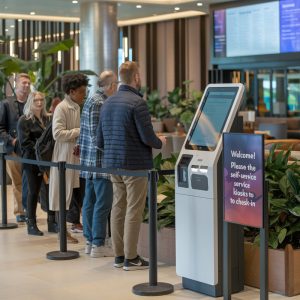
Self Service Kiosk Solutions

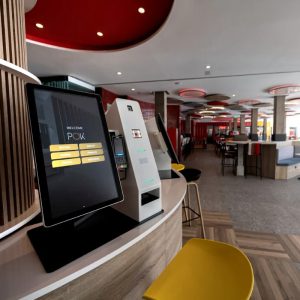
Self-service kiosks are widely used in the commercial and public service sectors,
and we specialize in a variety of self-service kiosk solutions.

Common Kiosk Types

Common Kiosk Solutions for
Overseas Markets

NP Printer develops versatile self-service terminal solutions for overseas business environments. We tailor the design of the cabinet structure, hardware modules, payment methods, print output, identity verification, and demonstration workflows to each specific application scenario.

Payment Kiosk Solutions
Payment Kiosk
Solution

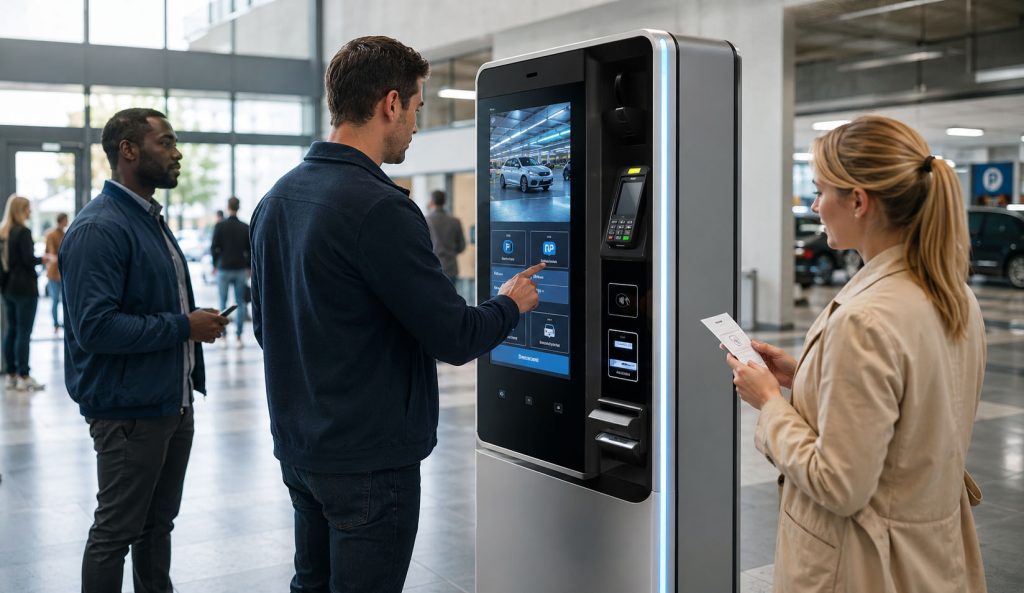
For bill payment, parking payment, membership payment, service fees, ticket payment and unattended transaction counters with card, QR, contactless or cash payment modules.

Self-Ordering Kiosk Solutions
Self-Ordering Kiosk Solution

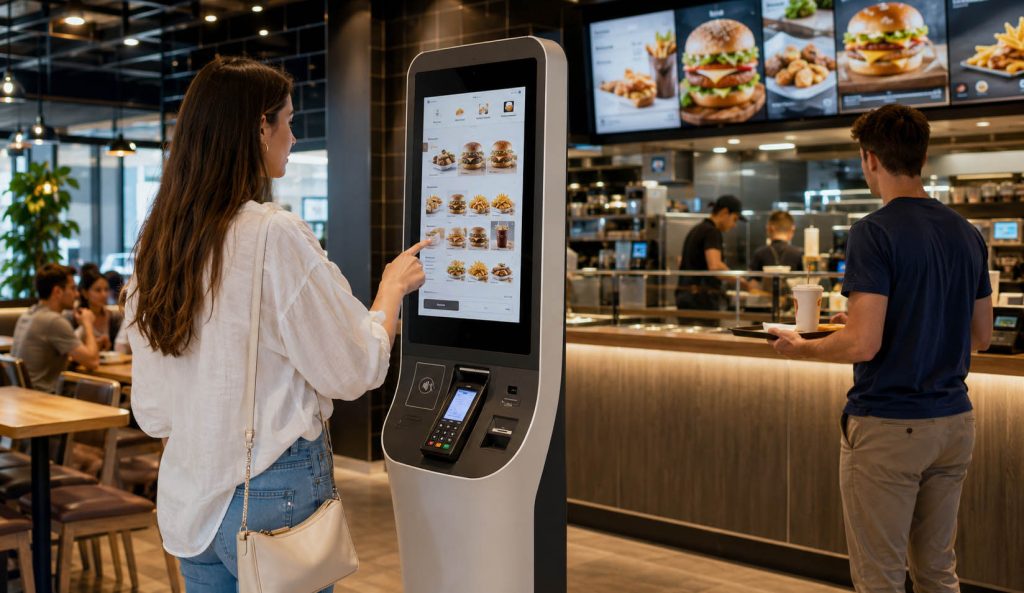
For restaurants, cafés, food courts, cinemas, canteens and quick-service chains that need touchscreen menus, order confirmation, payment and receipt printing.

Self-Checkout Kiosk Solutions
Self-Checkout Kiosk Solution

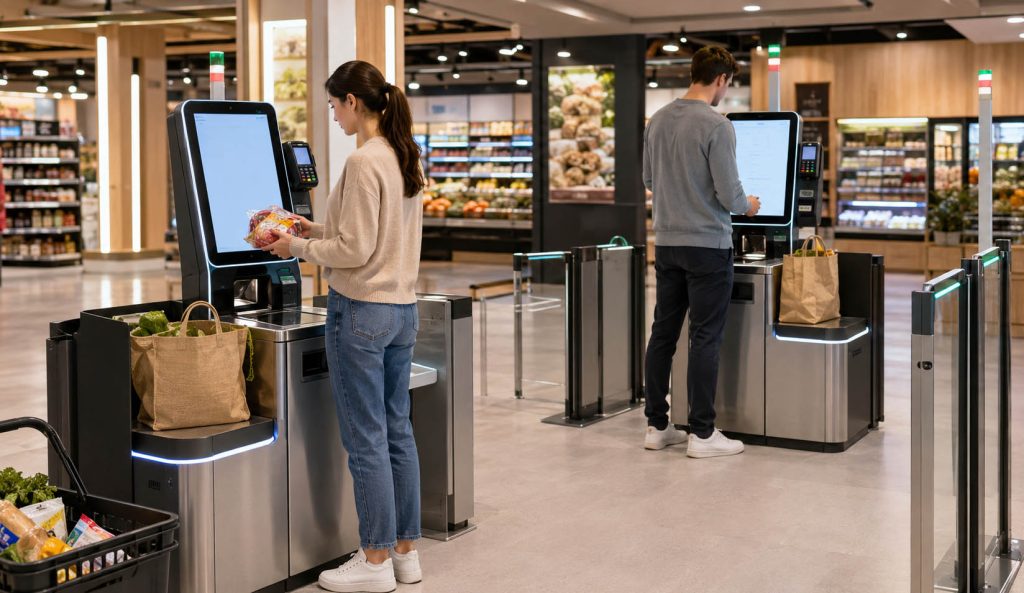
For retail stores, supermarkets, convenience stores and unmanned checkout areas with barcode scanning, payment, receipt output and anti-theft workflow options.

Ticketing Kiosk Solutions
Ticketing Kiosk Solution

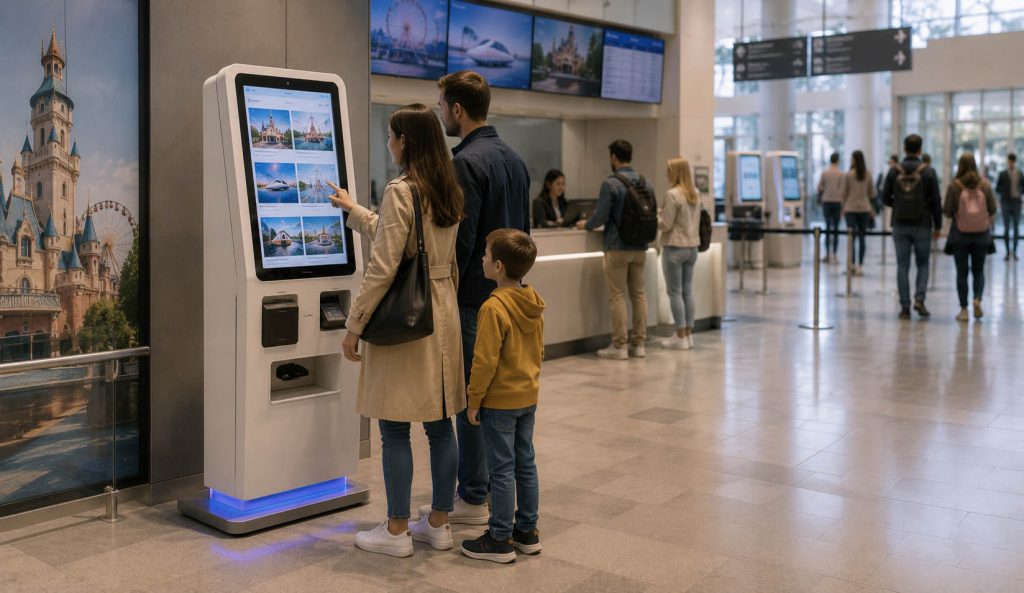
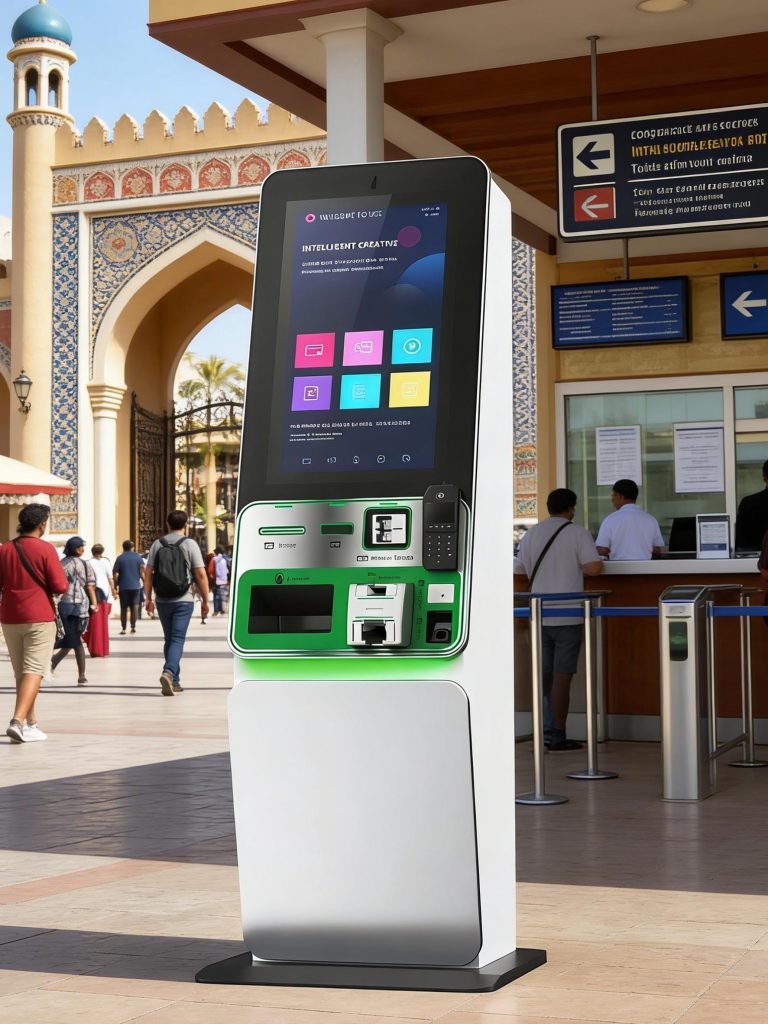
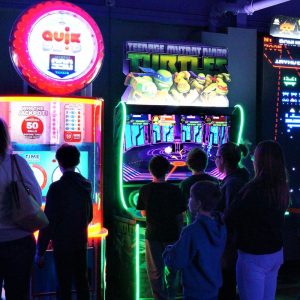
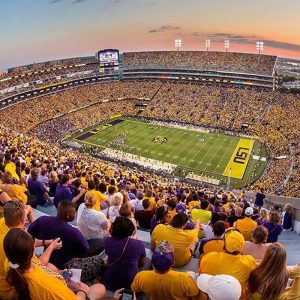
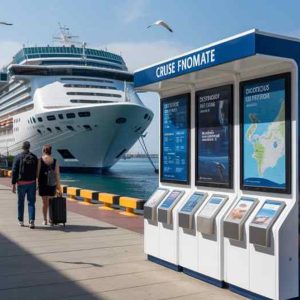
For museums, amusement parks, transport stations, cinemas, scenic areas, events and venues that need ticket purchase,
reservation lookup or ticket pickup.

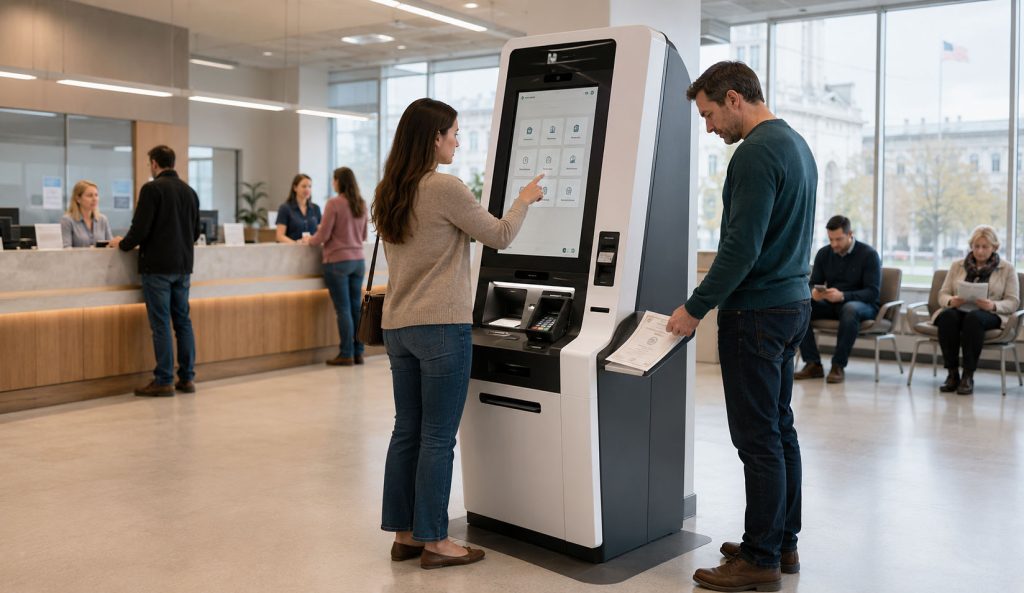
Check-In Kiosk Solutions
Check-In Kiosk
Solution

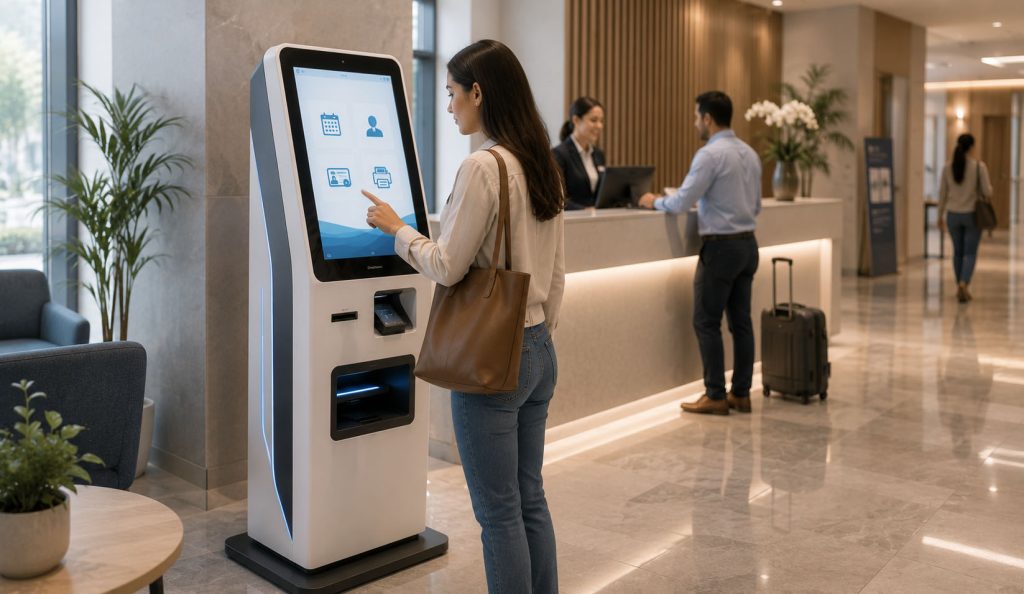
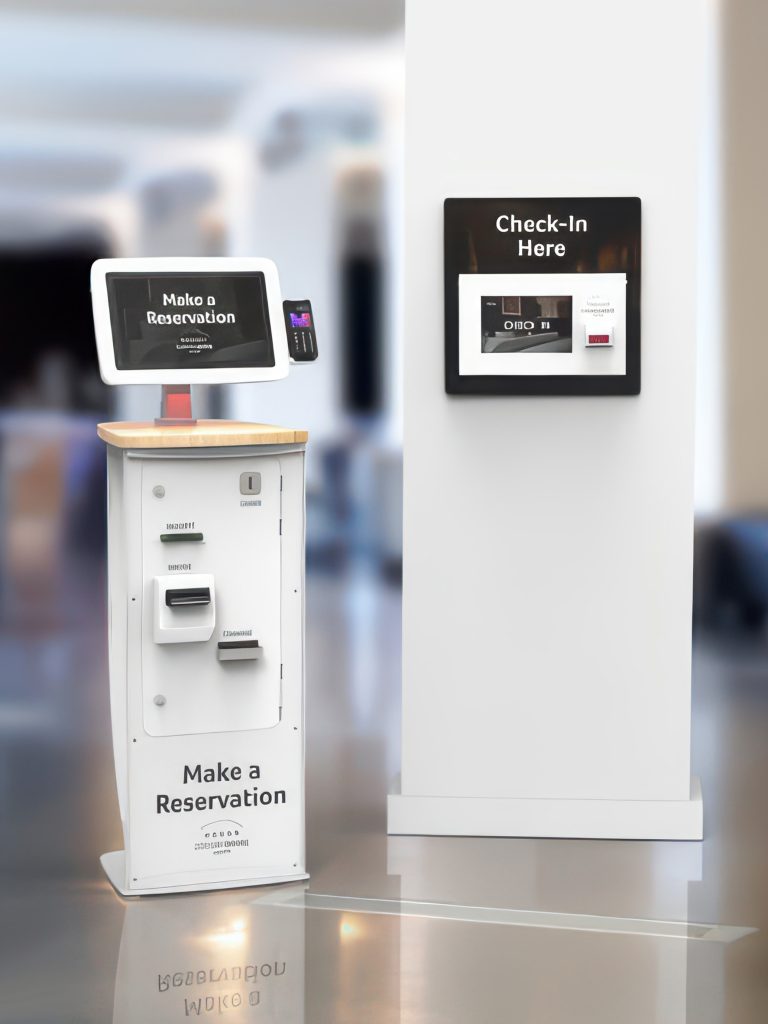
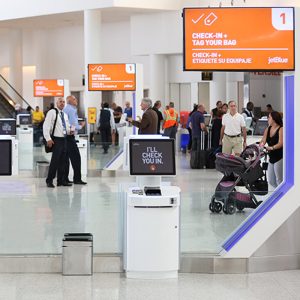
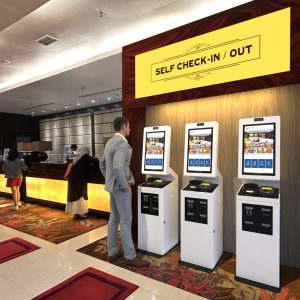
For hotels, clinics, airports, offices, campuses and service centers that need appointment confirmation, identity verification, registration and receipt output.

Queue Management Kiosk Solutions
Queue Management Kiosk Solution

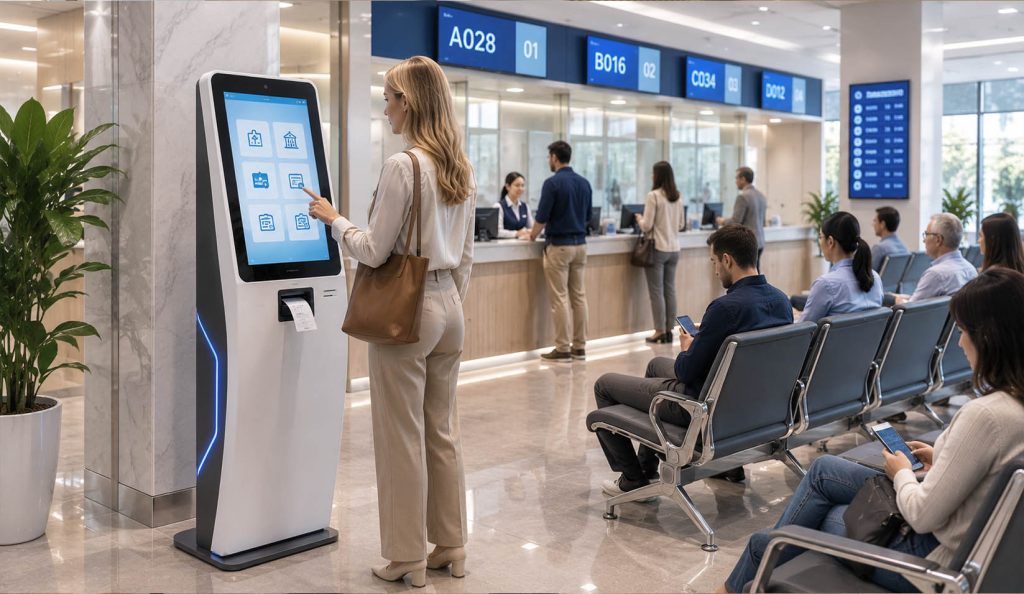
For banks, hospitals, government halls, telecom stores and service counters that need ticket numbers, service category selection and waiting guidance.

Wayfinding Kiosk Solutions
Wayfinding Kiosk Solution

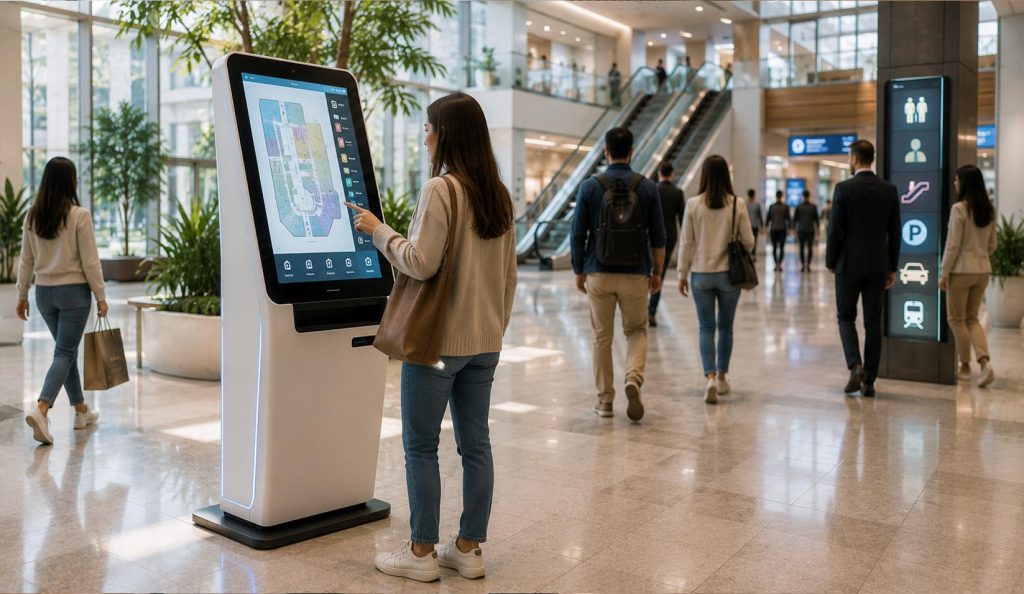
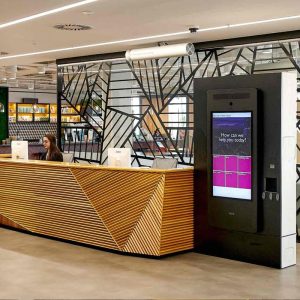
For shopping malls, hospitals, campuses, airports, office buildings and exhibitions that need maps, directories, service information and guidance.

Visitor Registration Kiosk Solutions
Visitor Registration Kiosk Solution

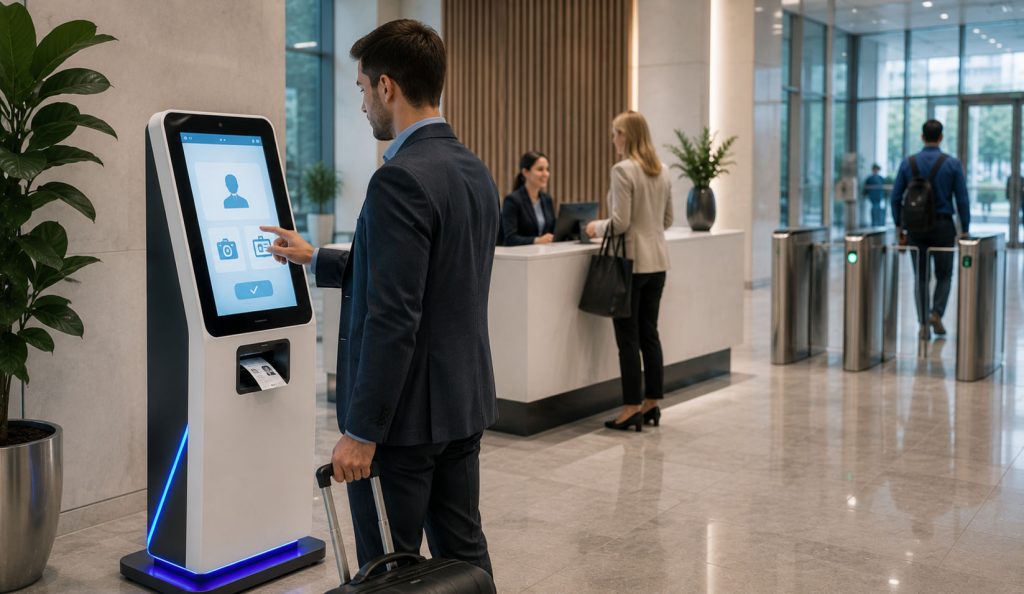
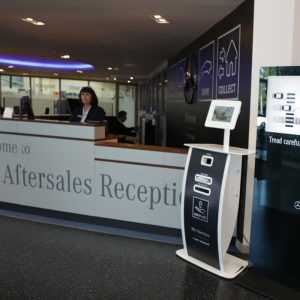
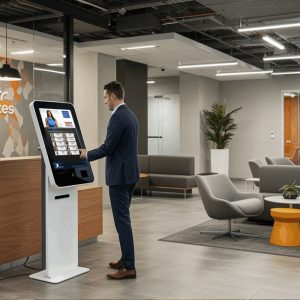
For corporate buildings, factories, schools and secured facilities that need visitor data collection, photo capture, badge printing and access verification.

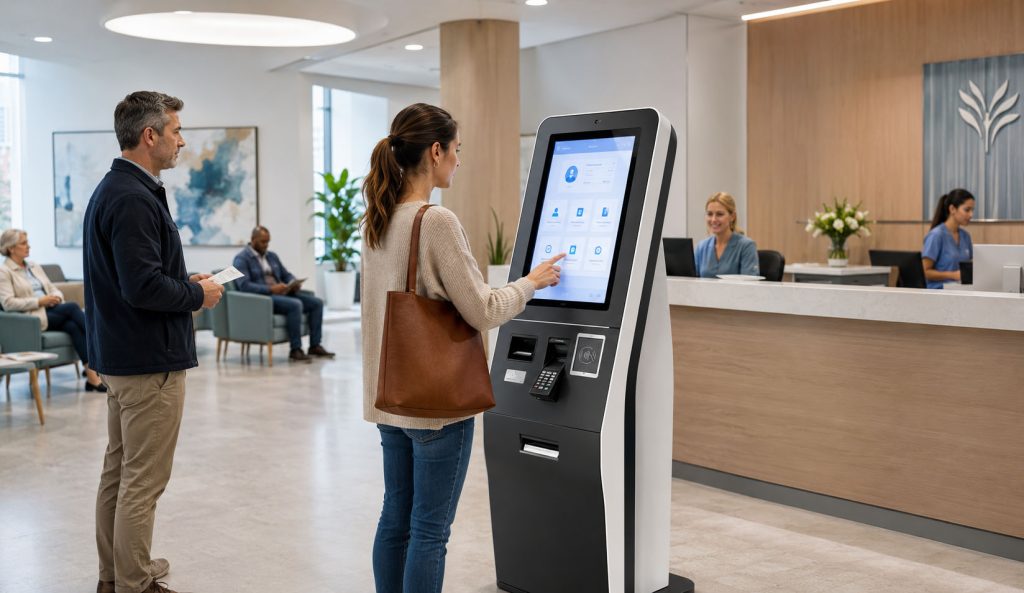
Healthcare Kiosk Solutions
Healthcare Kiosk Solution

For clinics, hospitals and
medical centers that need patient check-in, appointment
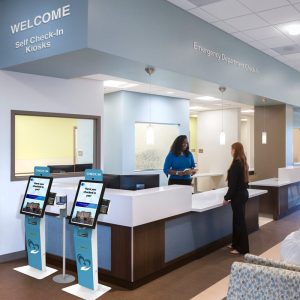
verification, payment, receipt printing and basic identity confirmation.

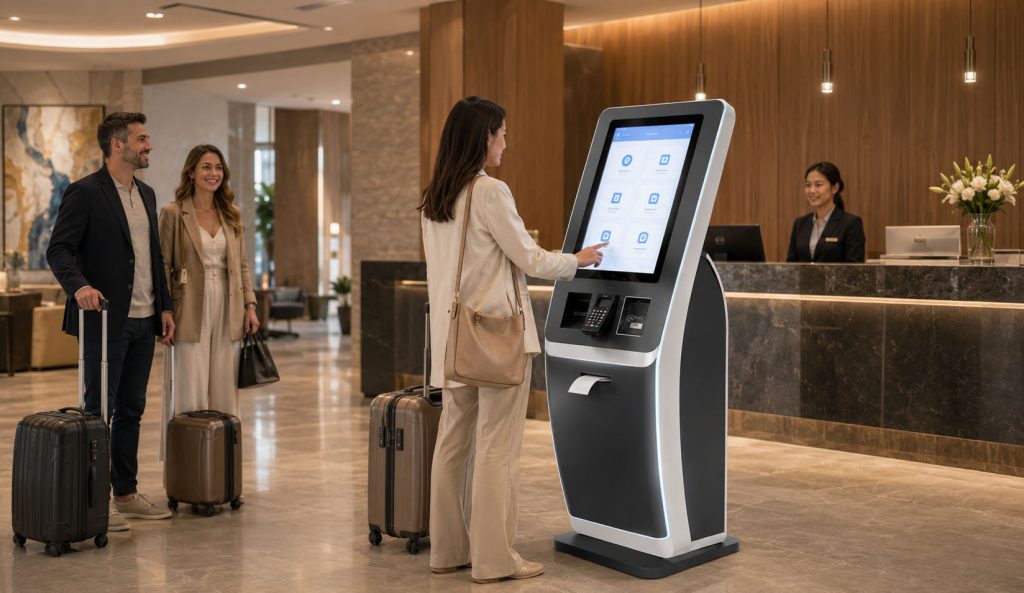
Hotel & Hospitality Kiosk Solutions
Hotel & Hospitality Kiosk Solution

For hotels, resorts, apartment buildings and hospitality operators that need guest check-in, payment, document reading, receipt output and service guidance.

Government Service Kiosk Solutions
Government Service Kiosk Solution

For public service centers that need document printing, permit services, certificate pickup, payment, scanning, identity verification and authorized service workflows.

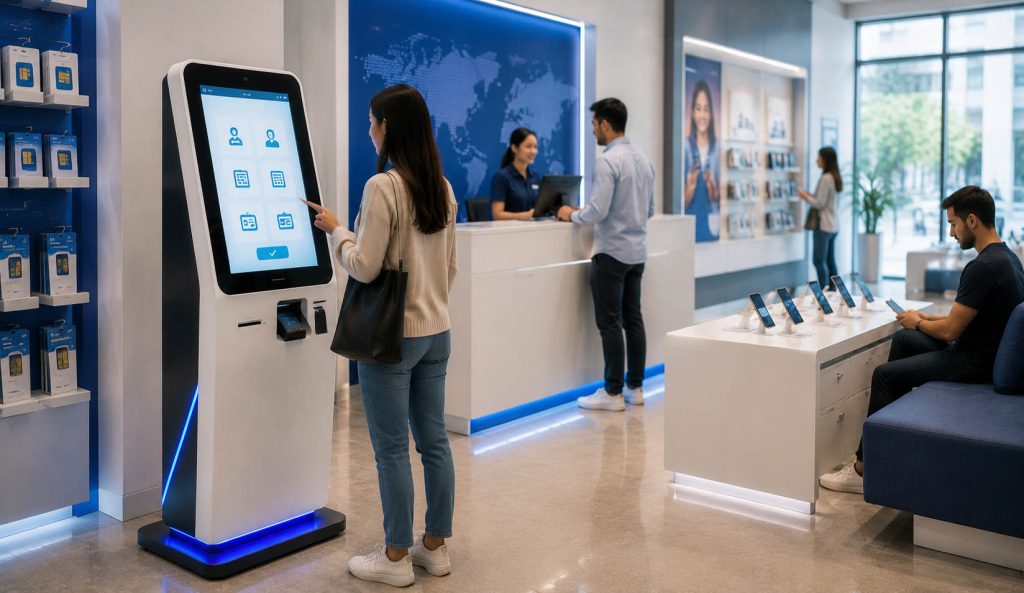
Telecom & SIM Service Kiosk Solutions
Telecom & SIM Service Kiosk Solution

For telecom stores and operators that need SIM service, KYC verification, passport or ID reading, QR scanning, payment and customer self-service activation.

Solution Case 1

Tickets Kiosk

Effective self service kiosk solutions can revolutionize the operational model of events or venues, offering guests a faster experience and greater freedom while allowing staff to focus on delivering exceptional service.

Kiosk Enclosure

The physical self-service terminal enclosure can accommodate a tablet or screen along with any associated printers and/or peripherals, enabling visitors to easily access the ticketing system while protecting physical components from potential damage or theft.

Ticketing Software

The physical self-service terminal enclosure can accommodate a tablet or screen along with any associated printers and/or peripherals, enabling visitors to easily access the ticketing system while protecting physical components from potential damage or theft.

Tablet or Screen

The visitor interface guides customers through the process of selecting tickets, completing payment, and entering any necessary information to finalize their purchase.

Graphics & Signage

Custom graphics and other signage can be used to align self-service kiosks more closely with your brand identity and provide calls to action to encourage visitors to use your kiosks.

Travel Tickets Kiosk
Camera

By accessing the tablet’s built-in camera or an external camera accessory, the self-service ticketing machine can capture the customer’s photo and/or identification to verify the ticket purchase.

Ticket Printer

Most ticket booth solutions include a receipt printer for printing physical tickets and shopping receipts.
The printer is typically housed within the self-service terminal enclosure to prevent unauthorized access or tampering, and dispenses tickets or other printed materials through a coin slot or ticket dispenser.

Payment Systems

Payment systems, including credit card readers, chip-and-PIN readers, or contactless readers, allow visitors to pay using their preferred payment method.
While some ticketing solutions accept cash, an increasing number are phasing out this option due to maintenance requirements and security concerns.

Other Peripherals

Ticket booths can also integrate numerous other peripheral devices to accommodate specific usage scenarios or requirements.
For instance, wristband printers can effortlessly provide event admission credentials. Barcode and/or QR code scanners can be used to quickly retrieve prior purchase records at self-service ticket printing terminals. External keyboards and/or styluses can enhance data entry speed and accuracy.

Solution Case 2

Visitor Check-In Kiosk

visitor check-in kiosk are automated systems designed to record visitor information upon entry to buildings or business premises. Modern kiosks typically utilize tablet computers, leveraging their compact size and cost-effectiveness.

Tablet or Screen

A touchscreen-enabled tablet or display used to run and display selected visitor registration software. Common choices include Apple iPad, Samsung Galaxy, and Microsoft Surface tablets, as well as Elo touchscreens.

Visitor Check-in Software

Visitor registration software guides visitors through the registration process for entering a facility. This software also supports verifying visitor identities, issuing printed registration passes, or integrating with access control systems. It typically works in conjunction with an administrative backend, enabling staff to view information about currently present individuals or review past visit records.

Kiosk Enclosure

The physical self-service kiosk enclosure accommodates a tablet or display along with any associated printers and/or peripherals, enabling visitors to easily access the registration system while safeguarding physical components from potential damage or theft.

Camera

By accessing the tablet’s built-in front-facing camera or an external camera accessory, the self-service terminal can capture visitor photos and/or perform biometric facial matching.

Visitor Check-In Self-service Kiosk
Camera

By accessing the tablet’s built-in camera or an external camera accessory, the self-service ticketing machine can capture the customer’s photo and/or identification to verify the ticket purchase.

Graphics & Signage

Custom graphics and signage can be used to align self-service kiosks with your brand identity and provide calls to action that guide visitors in using your self-service kiosks.

Badge Printer

Most visitor registration solutions offer the option to integrate badge printers for printing physical badges worn by visitors on-site, enabling visitor identification and verification of completed registration. Printers can be installed inside self-service kiosks to prevent unauthorized access or tampering, or placed on counters or other surfaces adjacent to the kiosks.

ID Capture

The document holder allows visitors to easily and accurately place their identification documents for capture via the tablet’s rear camera or an external camera. The sensor-activated LED light ensures clear and bright images.

Other Peripherals

Additional peripheral devices can be integrated into self-service registration terminals to accommodate specific usage scenarios or requirements. For instance, barcode scanners can simplify the registration process by scanning QR codes on visitors’ mobile phones for pre-registration; external keyboards and/or styluses can enhance data entry speed and accuracy.

Customization Capability

What We Can Customize for
Common Kiosk Solutions

Common kiosk solutions still require different customization depending on the location, user workflow, payment method,
printing requirement, security level and service environment. We focus on hardware structure, module integration and practical operation logic.

Cabinet Structure

Floor-standing, desktop, wall-mounted, embedded, dual-screen, compact counter design, outdoor-style enclosure, service door, maintenance compartment and internal layout.

Brand Appearance

Shell color, logo, lightbox, signage area, screen position, front panel layout,
decorative panels, interface style and
industry-specific visual design.

Screen & Interaction

Touchscreen size, second display, privacy screen, camera position, speaker, microphone, LED indicator, button design and user operation height.

Payment Modules

POS terminal, NFC payment, card reader, QR code payment, cash acceptor, bill validator, coin module, receipt printing and payment confirmation workflow.

Printing Output

Receipt printer, ticket printer,
label printer, badge printer,
A4 document printer, voucher printer, queue ticket printer and output slot design.

Scanning & Reading

Barcode scanner, QR scanner,
passport reader, ID reader, card reader,
NFC/RFID reader, document capture and mobile code verification.

Identity Verification

Camera, face comparison, passport reading, ID document capture, QR invitation code verification, account login and optional biometric modules.

Accessibility Design

Lower operating height, clear navigation, large buttons, voice guidance, accessible screen angle, wheelchair-friendly reach range and multi-language prompts.

Demo Program Integration

We can integrate key hardware APIs and SDKs into a unified demo workflow for testing printers, scanners, payment modules, readers and other devices.

Hardware Integration

Hardware Modules for Custom Kiosk Solutions

Our customization value is mainly reflected in the ability to combine different hardware modules into a usable self-service terminal structure.
We help evaluate module size, position, wiring, maintenance access and service workflow.

Custom Kiosk Manufacturer
Printer Modules

Receipt printer, ticket printer, queue printer, label printer, badge printer, voucher printer, A4 document printer and output channel design.

Custom Kiosk Manufacturer
Scanner and Reader Modules

QR scanner, barcode scanner, passport reader, ID reader,
NFC/RFID reader, magnetic card reader and document
capture module.

Custom Kiosk Manufacturer
Payment Modules

Bank card reader, contactless POS, QR payment scanner,
cash acceptor, bill validator, coin module and
receipt confirmation.

Custom Kiosk Manufacturer
Display and Interaction

Touchscreen, secondary screen, privacy screen, camera,
speaker, microphone, LED indicator, button and
operation guidance design.

Custom Kiosk Manufacturer
Security and Service Access

Service door, lock design, internal compartment,
cable routing, anti-tamper structure, ventilation,
cooling and maintenance layout.

Custom Kiosk Manufacturer
Controller and Demo Workflow

Industrial PC, control board, module communication, API/SDK demo integration, device testing workflow and secondary development support.

Common Kiosk Types

Kiosk Enclosure and Deployment
Format Customization

The same kiosk solution may require different cabinet formats in different countries, sites and service environments. We can adjust the enclosure, internal module placement and external appearance according to the deployment plan.

Floor-Standing Kiosk

Suitable for malls, hospitals, hotels, airports, public halls and high-traffic locations that need a complete standalone terminal.

Desktop
Kiosk

Suitable for counters,
service desks, reception areas and small sites where compact installation and staff assistance are required.

Wall-Mounted Kiosk

Suitable for corridors, entrances,
public buildings
and locations that
need to save floor space.

Outdoor-Style Kiosk

Suitable for parking, ticketing, public service or semi-outdoor environments where stronger enclosure protection is required.

Software Positioning

Software Demo, API and SDK Integration
for Solutions

For common kiosk solutions, our software work is mainly focused on hardware integration demos rather than complete industry SaaS platforms. We can integrate printers, scanners, readers, payment modules and other hardware APIs or SDKs into a testable demo workflow.

Hardware
Testing Demo

A demo program can help customers
test printing, scanning, reading,
payment, camera capture or other hardware functions before final
software development.

Workflow
Verification

We can build a simple workflow
demo such as scan, verify, pay,
print, issue or display status,
so customers can evaluate practical operation logic.

Secondary
Development Support

Customers can use the demo,
API documentation and SDK integration logic as a foundation
for their own final kiosk software or platform connection.

FAQ

Common Kiosk Solutions FAQ

These questions help customers understand how NP Printer supports common kiosk solutions and what types of customization
can be discussed before project development.

Build Common Kiosk Solutions Around
Your Real Application

Tell us your kiosk type, hardware requirements, service workflow and deployment environment.
NP Printer can help you design a practical custom kiosk solution for overseas commercial or public service applications.

Scroll to Top