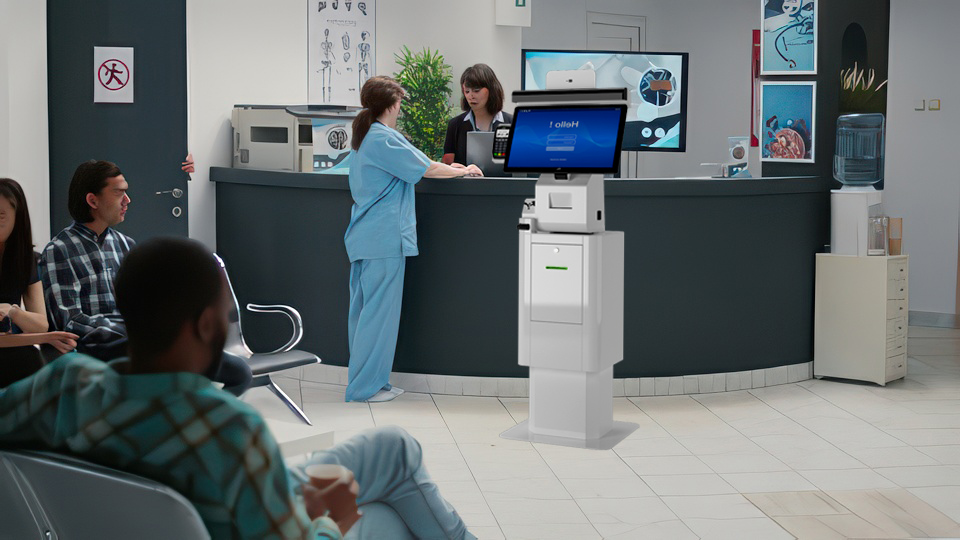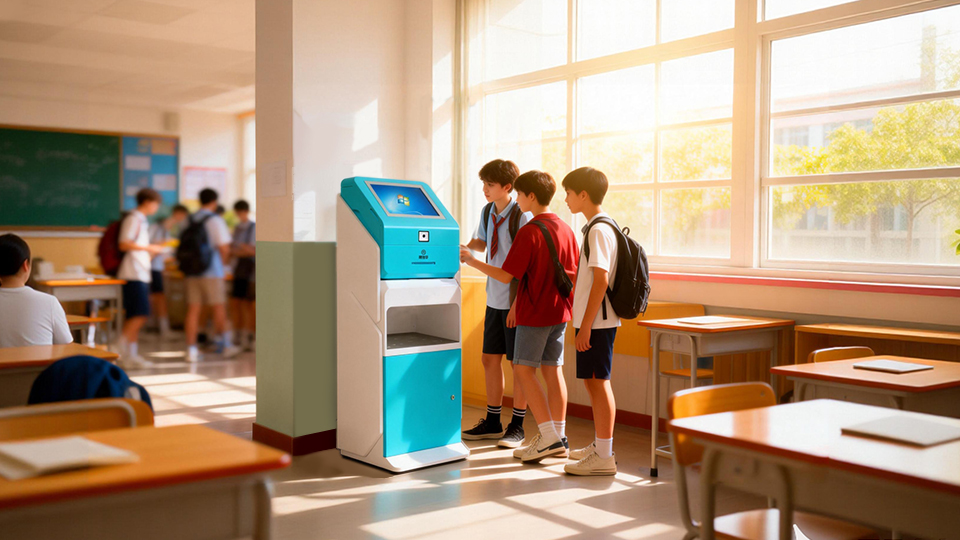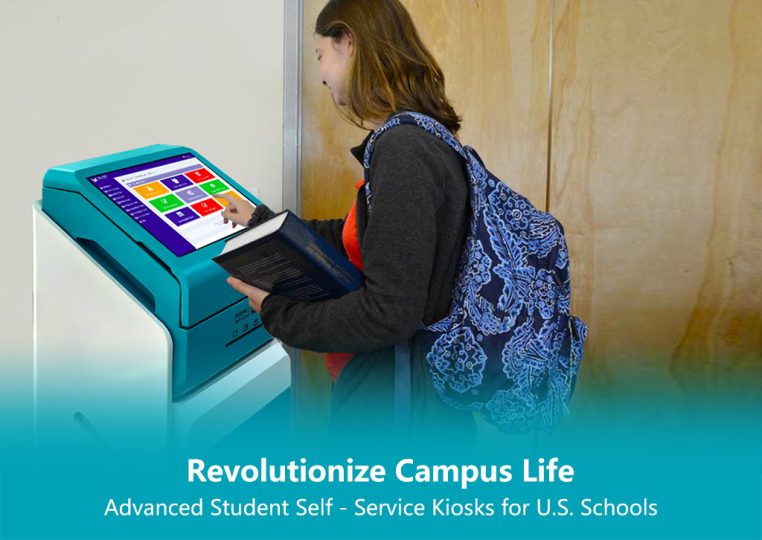
Accessible Self-service Kiosks are a staple across global industries—restaurants, banks, airports, colleges, retail outlets and hospitals—lauded for their unmatched convenience for everyday users. Yet this core benefit is lost if Accessible Self-service Kiosks fail to serve people with disabilities, a community with an inherent legal and ethical right to equal access to information and services. At Panashi, we understand that Accessible Self-service Kiosks are not just a design choice, but a commitment to inclusion, and we’re sharing actionable strategies to embed meaningful disability support into every kiosk’s hardware, software and deployment. Our goal is to help businesses build Accessible Self-service Kiosks that leave no user behind, turning universal convenience into true universal access.
Why Disability Inclusion Matters for Kiosk Design
Disability is a global reality that demands intentional action for inclusive design. The World Health Organization (WHO) reports 1.3 billion people worldwide live with some form of disability—16% of the global population—while regional data amplifies this need: over 80 million people in Africa (out of 1.4 billion total) have varying disabilities, and the MENA region has a 2.16% disability prevalence rate (Statista, 2017), ranging from 0.19% in Qatar to 5.07% in Morocco.
In civilized societies, inclusive environments are non-negotiable—whether in workplaces, public spaces, commercial centers or homes. Every individual deserves to be seen, heard and not left behind, and building this culture is the foundation of creating truly accessible kiosks. These core practices drive systemic disability inclusion, and in turn, better kiosk design:
●Center disabled people as target customers: Integrate them into market research and craft disability-inclusion focused marketing campaigns—they hold the same goals, potential and purchasing power as all consumers.
●Teach inclusion from the classroom: Introduce disability and inclusion curricula, classes and workshops in schools and colleges to foster empathy and understanding among future users and business leaders.
●Offer equitable employment opportunities: Disability is not a limitation; hire qualified disabled candidates and implement accessible technology for disabled employees to build internal awareness of inclusion needs.
●Cultivate organizational empathy: Train teams to recognize the value of digital inclusion, turning internal understanding into intentional external design for accessible kiosk solutions.
The evolution of self-service kiosks further underscores the possibility of inclusion. Early kiosks featured only basic hardware with no focus on ergonomics or user diversity, but modern technology empowers businesses to build Accessible Self-service Kiosks that meet the needs of all users—making accessibility not just a choice, but an essential standard.
What Defines an Accessible Self-service Kiosk?
Accessibility refers to a product, device, or service’s ability to be used by its entire intended user base, including those with impairments. Achieving this requires understanding accessibility needs, centering disabled users’ requirements, and removing barriers to elevate the user experience.
Accessible Self-service Kiosks for Disabilities are designed to serve every individual, with no usage restrictions based on disability. Manufacturers craft these kiosks by evaluating deployment settings, user actions, and seamless hardware-software integration to address accessibility gaps. Beyond ethical imperatives, accessibility boosts overall user experience, drives more kiosk traffic, and builds long-term brand reputation—win-win outcomes for businesses and users.
Key Accessibility Challenges for Self-service Kiosks
Many service providers lack a clear understanding of the diverse needs of disabled users, leading to one-size-fits-all kiosk design that fails to serve the disability community. Even kiosks with basic accessibility features often miss critical barriers, with the most common challenges including:
●No tactile support: Most touchscreen kiosks use virtual keys with no tactile feedback, a major obstacle for visually impaired users trying to navigate independently.
●Vision-related barriers: Fully blind users struggle to interact with standard kiosk screens due to a lack of assistive navigation and input tools.
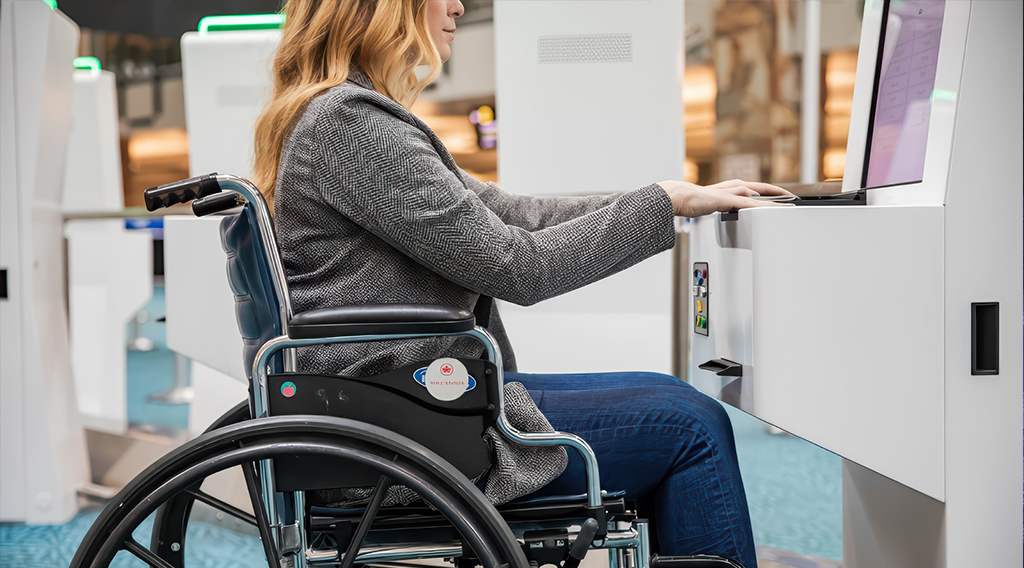
●Mobility and reach limitations: Wheelchair users face height and angle barriers with standard kiosk screens, while congested pathways or physical obstacles further block access to kiosk deployments.
●One-dimensional sensory design: Kiosks relying solely on audio or visual cues fail to serve hearing or visually impaired users, creating unnecessary exclusion.
How to Design Accessible Self-service Kiosks for Disabilities
To create truly inclusive kiosks, service providers and manufacturers must address the unique needs of disabled user groups with targeted design and feature integration. Below are actionable solutions for the most common disability scenarios, plus universal best practices:
For Visually Impaired Users
Visually impaired users (including fully blind and low-vision individuals) require multi-layered assistive features for seamless kiosk interaction:
1.Integrate tactile keypads for navigation and braille or oversized keyboards for input.
2.Add assistive technology: screen magnification software and screen readers to interpret on-screen instructions.
3.Include customizable display settings: brightness, font size, and contrast controls to suit individual vision needs.
4.Add speech-to-text and text-to-speech functionality for hands-free/eyes-free interaction.
5.Install an audio jack for private audio instructions, and offer full color customization (no single color combination works for all visually impaired users).
For Wheelchair Users
Mobility-impaired users relying on wheelchairs need kiosks designed for physical access and ease of use—ADA compliance is the gold standard here:
1.Ensure clear, obstacle-free pathways to kiosks, and install wheelchair ramps where needed.
2.Adhere to ADA (Americans with Disabilities Act) height and reach regulations: interactive touch points must be 15–48 inches above the ground.
3.Follow ADA guidelines for kiosk mounting, minimum floor space (for wheelchair maneuvering), and removing physical barriers around kiosk deployments.
4.Design kiosk enclosures with reachable buttons, keypads, and audio jacks at ADA-compliant heights.
For Hearing-impaired Users
Hearing-impaired users need alternatives to audio-only instructions and adjustable audio features:
1.Ensure all audio output is fully audible, with easy-to-use volume controls.
2.Pair audio instructions with on-screen text and visual cues (e.g., flashing icons) for critical steps.
Universal Inclusivity Features
These core features elevate accessibility for all users, and are a must for every Accessible Self-service Kiosk:
1.Add a dedicated Help button: Disabled users may need external support— a prominent Help/Call button on the kiosk enclosure connects them to assistance quickly.
2.Gather ongoing user feedback: Accessibility is not a one-time fix. Collect feedback from disabled users, and make iterative tweaks to hardware, software, and design to improve the experience.
The Multifaceted Benefits of Accessible Self-service Kiosks for Disabilities
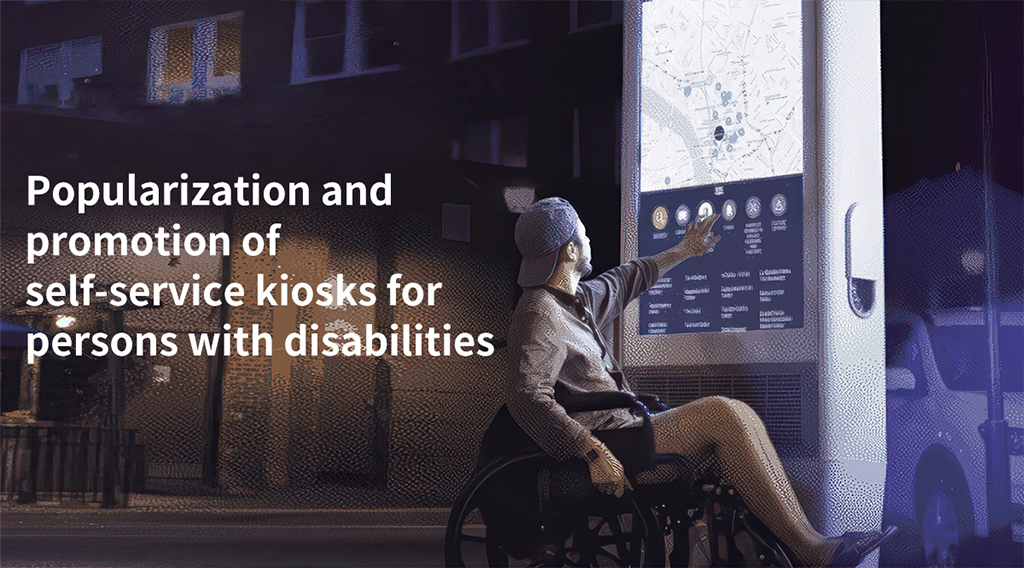
Investing in Accessible Self-service Kiosks delivers far-reaching benefits for businesses, users and society as a whole, extending well beyond just disability inclusion:
●Cultivates an inclusive brand culture: Prioritizing accessibility embeds inclusion into your brand’s core values, resonating with all customers and building emotional connection.
●Boosts brand reputation: Inclusive design positions your business as socially responsible and customer-centric, building loyalty and trust across diverse audiences.
●Expands your customer base: Accessible kiosks open your services to the 16% of the global population with disabilities, driving more footfall and increasing revenue potential.
●Elevates overall customer satisfaction: Removing barriers creates a seamless experience for all users—including those with temporary disabilities (e.g., a broken arm) or age-related limitations (e.g., low vision)—reducing frustration and increasing positive interactions.
●Ensures regulatory compliance: Adhering to standards like ADA compliance mitigates legal risk and ensures your kiosk deployments meet global accessibility regulations.
●Future-proofs your business: As global demand for accessibility grows, inclusive kiosk design keeps your business relevant and competitive in an increasingly diverse market.
Final Thoughts: Accessibility Is for Everyone
Your customers deserve a barrier-free experience—no physical or technological obstacle should limit their access to your services and information. Equal access is a necessity for every institution where self-service is a core offering, and kiosk manufacturers and service providers are increasingly recognizing that Accessible Self-service Kiosks are not just a trend, but a long-term business and social imperative.
Creating inclusive experiences for disabled users is a journey, not a destination, but it is a shared responsibility. We have the technology, resources and expertise to build a more inclusive world—one Accessible Self-service Kiosk at a time.
Ready to design kiosks that serve all your customers? Get in touch with Panashi’s Accessibility Consultants today, and share your vision for inclusive, user-friendly self-service solutions!